
Save Your Brain
Your apps and websites,
locked by default.
Ration locks your distractions 24/7. When you want to use one, you decide how — a fixed window, a metered clock, or automatic interrupts. Then it enforces your choice.

What's pulling your attention?
"I want to stop doomscrolling before bed"
You open Reddit "for 5 minutes" and it's suddenly 1am. You need a hard cutoff.
"I need to focus at work but check Slack"
You need Slack for work but it sucks you in. You want to check it briefly, not live in it.
"I want to enjoy YouTube guilt-free"
You want to watch something, but not for 3 hours. Set a real boundary.
"I keep zombie-scrolling without realizing"
You're not even enjoying it — you just can't stop. You need automatic interrupts to snap out of it.
See how each mode works
You click Unlock → choose 10 min
The app opens immediately. Your countdown begins.
App is open. Countdown runs: 10:00 → 9:59 → ...
Use it freely. The clock counts down whether the app is frontmost or not.
Warning — bar turns amber
A visual cue that your window is closing.
Final warning — bar turns red
Last chance to finish what you're doing.
Time's up. App hides. Locked for 20 min.
Cooldown is 2× your window. You chose 10 min → locked for 20.
Cooldown ends. Ready to unlock again.
Back to locked state. You decide when — and how — to spend again.
Set up in 60 seconds
What you get (and what you don't)
✅ Included
- ✓ Block macOS apps (Discord, Slack, Steam, Reddit, TikTok, etc.)
- ✓ Block websites in Safari & Chrome
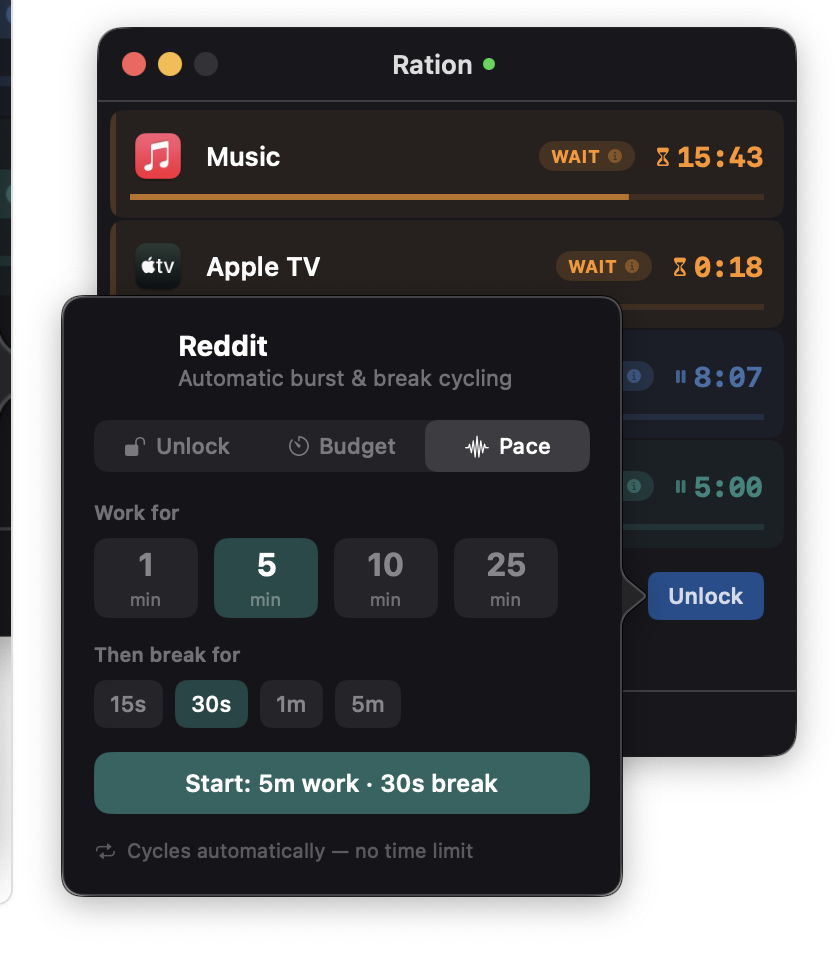
- ✓ Three unlock modes: Windowed, Metered, Interrupted
- ✓ Branded block page with live countdown
- ✓ Subdomain matching (reddit.com blocks old.reddit.com)
- ✓ Per-app and per-site independent timers
- ✓ Intercept banner when you open a locked app
- ✓ Visual warnings at 60s and 30s remaining
- ✓ State persists across restarts
- ✓ Quit protection during active timers
- ✓ Auto-updates via Sparkle
- ✓ Free, no account, runs 100% locally
- ✓ macOS 13+, Apple Silicon + Intel
❌ Not included
- ✗ iOS or Android (macOS only)
- ✗ Browser extension (uses AppleScript)
- ✗ Firefox support (Safari & Chrome only)
- ✗ Scheduled sessions / time-of-day rules
- ✗ Cloud sync across devices
- ✗ Content filtering / keyword blocking
- ✗ Usage analytics / screen time reports
🔜 Coming soon
- → App groupings — manage several apps as a shared group
- → Custom durations — free-text entry beyond presets
- → iCloud sync across Macs
- → Firefox support
- → Bedtime mode — stricter rules after a certain hour
Blocked websites get a real page, not a blank tab.
When you visit a blocked site, Ration redirects to a branded block page showing the domain, your current state, and a live countdown. When the cooldown ends, a "Go back" button appears — you decide when to return. No jarring auto-reloads.
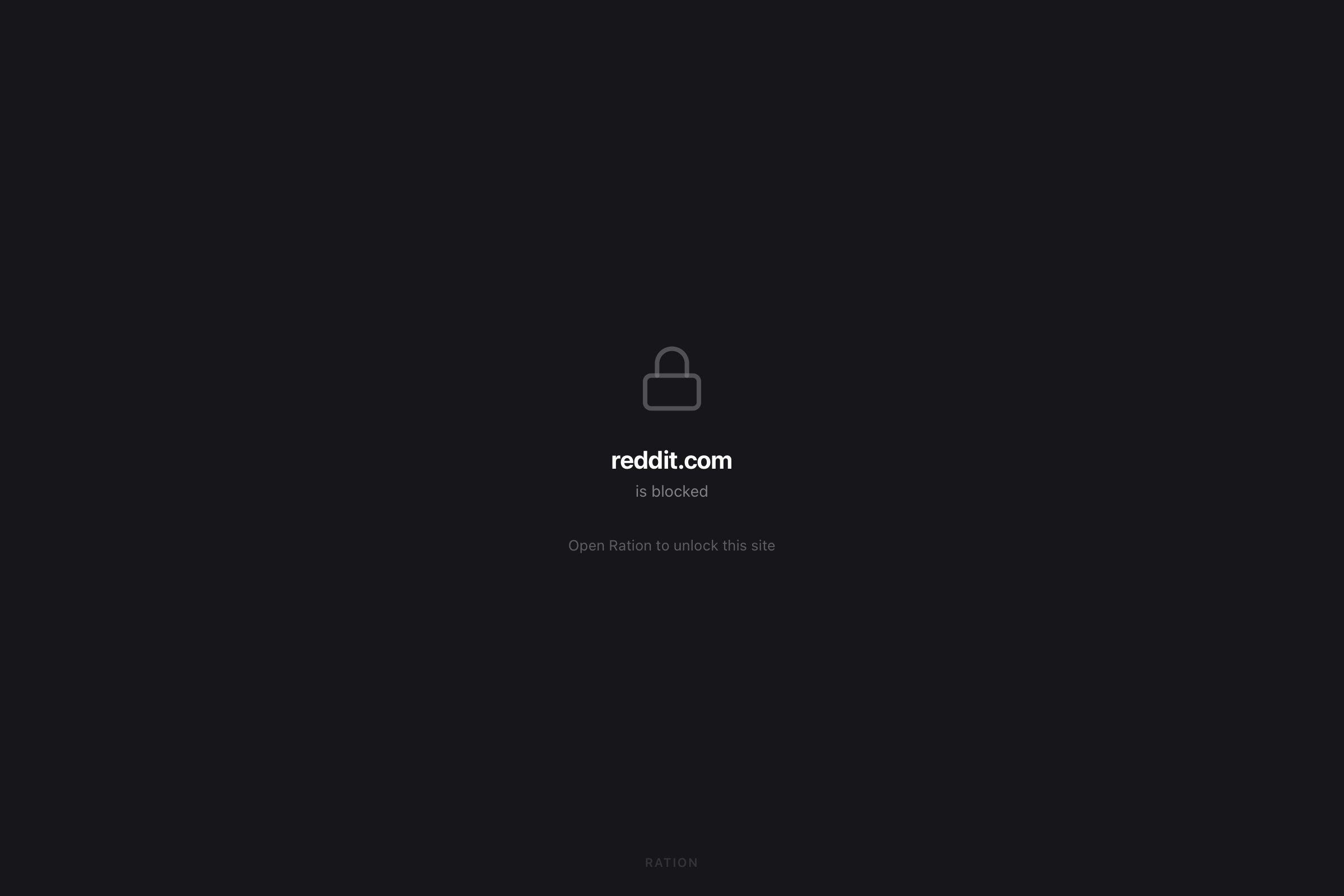
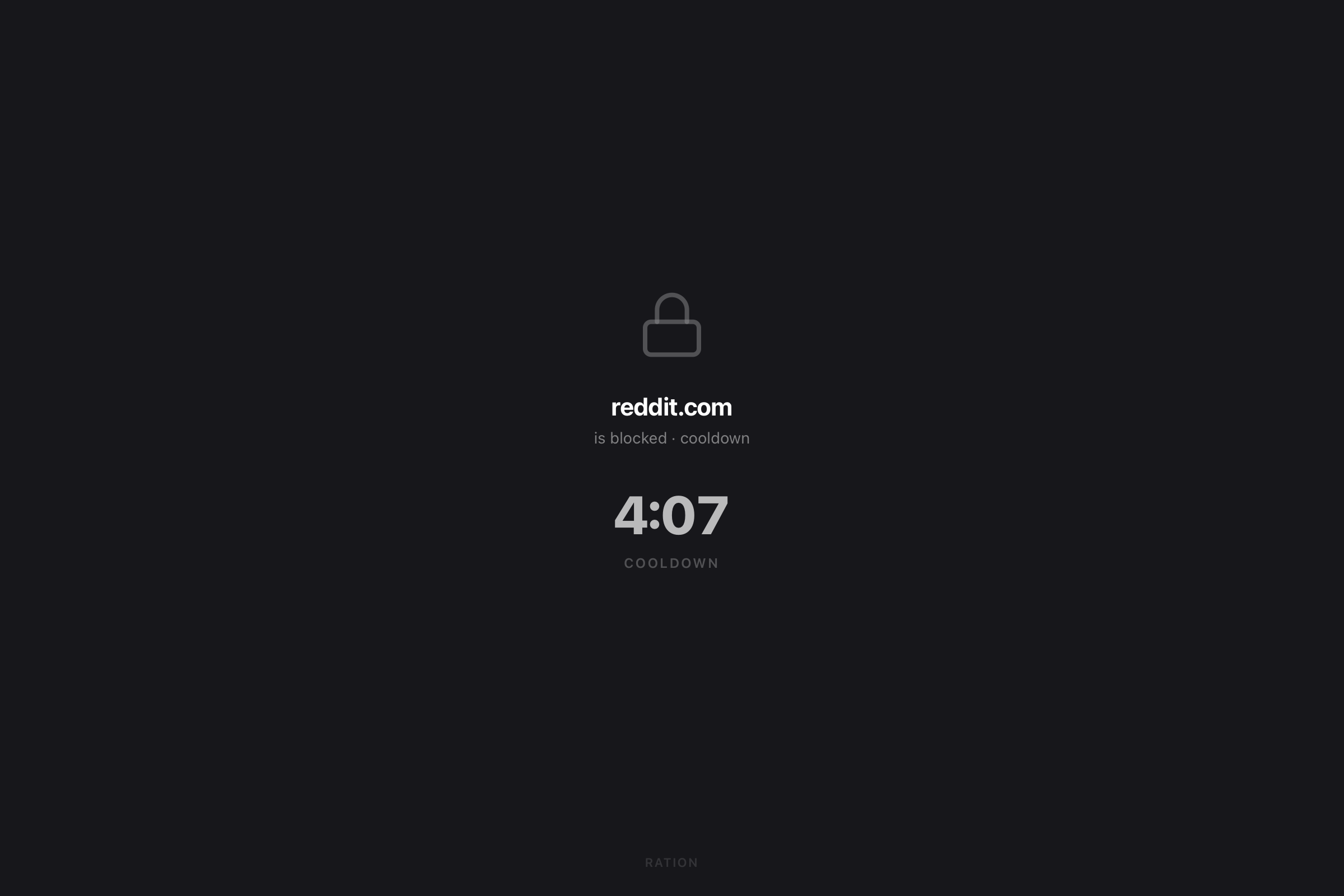
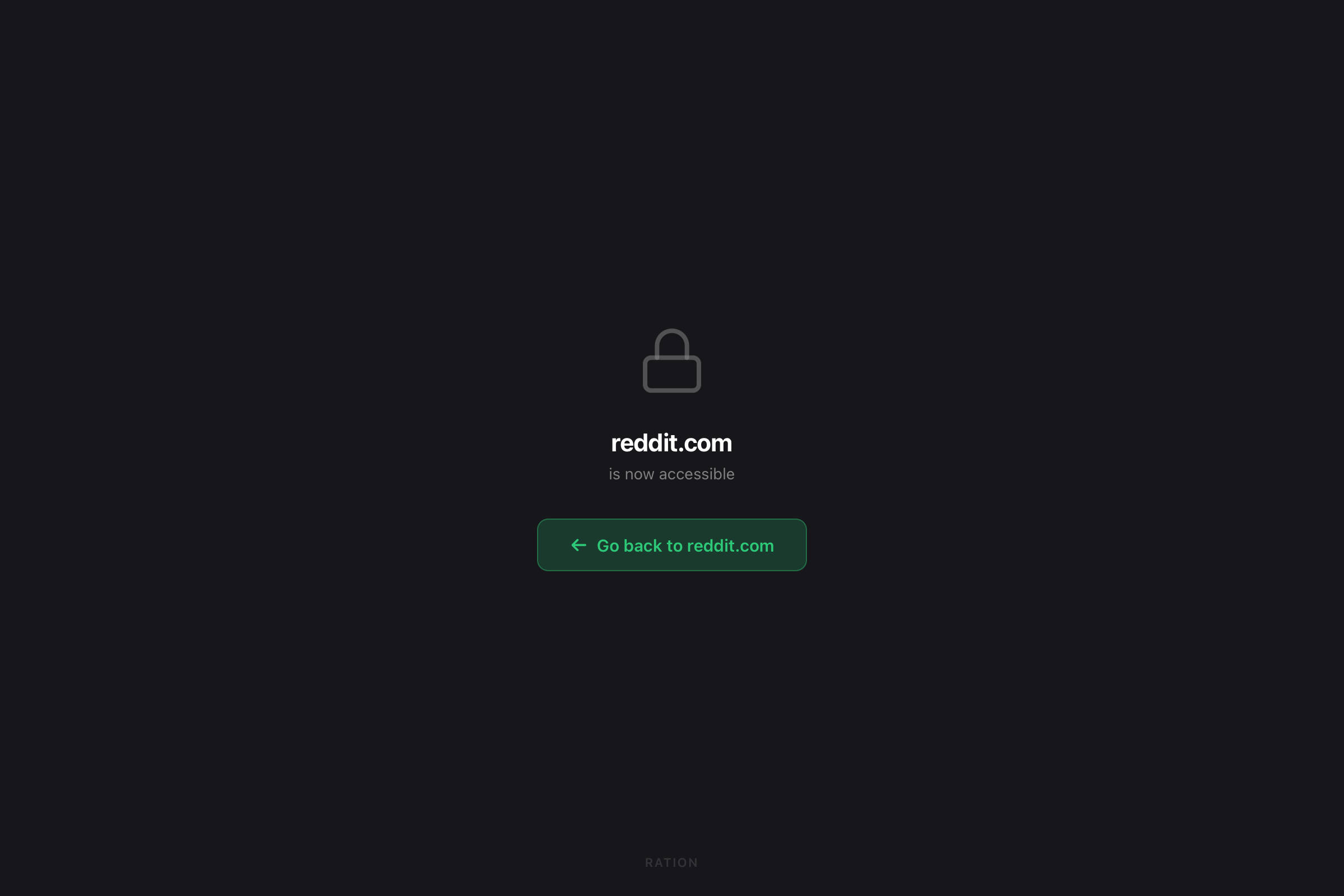
Muscle-memory open a locked app? Ration catches it.
If you open a blocked app out of habit — or type reddit.com without thinking — Ration catches it. Apps get hidden instantly. Websites redirect to a branded block page. Either way, your HUD surfaces with your actual intentions.
⚠ macOS security warning — what to expect and what to do ▾
Ration isn't notarized yet — I'm working toward an Apple Developer account. Until then, macOS will show a warning on first launch. Here's how to open it:
- 1.Download the
.dmgand open it - 2.Drag Ration to your Applications folder
- 3.In Finder, right-click the app → select "Open"
- 4.Click "Open" in the dialog — after this, it opens normally
If that doesn't work: Apple menu → System Settings → Privacy & Security → scroll to the blocked app → click "Open Anyway".
Ration runs entirely on your Mac. No internet connection. No account. No data leaves your device.
This is a beta — pricing and features will evolve as the app matures. Release builds are published on GitHub: github.com/save-your-brain-co/ration-releases →
Start rationing your attention.
macOS 13+ · Apple Silicon + Intel · Free in beta
Get notified about new Save Your Brain tools